


Scheduling
After purchase, contact us to schedule a remote installation session at a time that suits you.
🔍 Diagnostic Interface Check - PSA Interface Checker
The PSA Interface Checker is a technical tool used to validate the compatibility and operation of J2534 diagnostic interfaces with the Diagbox software for Peugeot and Citroën vehicles. It identifies whether the interface is correctly installed, recognized by the system and able to communicate with the vehicle's electronic modules.
🔍 Main features:
- Interface check:
- Connection test between PC and J2534 interface (USB or Bluetooth)
- Identification of the type of interface: Actia XS Evolution, Xhorse MVCI, VAS 6154, among others
- Validation of drivers, firmware and communication status
- Technical compatibility:
- Works with Diagbox-compatible J2534 interfaces
- Compatible with Windows 7, 8, 10 and 11 (64-bit)
- Simple interface with status report and diagnostic logs
- Applications:
- Diagnosing connection problems with Diagbox
- Technical support for installing and activating interfaces
- Check before starting diagnostic or programming sessions
💡 Differentials:
- Lightweight, portable tool with offline operation
- Ideal for PSA technicians, independent workshops and remote support
- Avoids communication failures and wasted time on diagnostics
⚙️ Tool Type:
- Technical interface verification software J2534
- Focus on compatibility with Diagbox and PSA vehicles
Compatible with Windows 10 and 11
Recommended for automotive technicians, installers and technical support
With the PSA Interface Checker, you can ensure that your diagnostic interface is ready to operate with Diagbox, avoiding communication errors and optimizing service time.
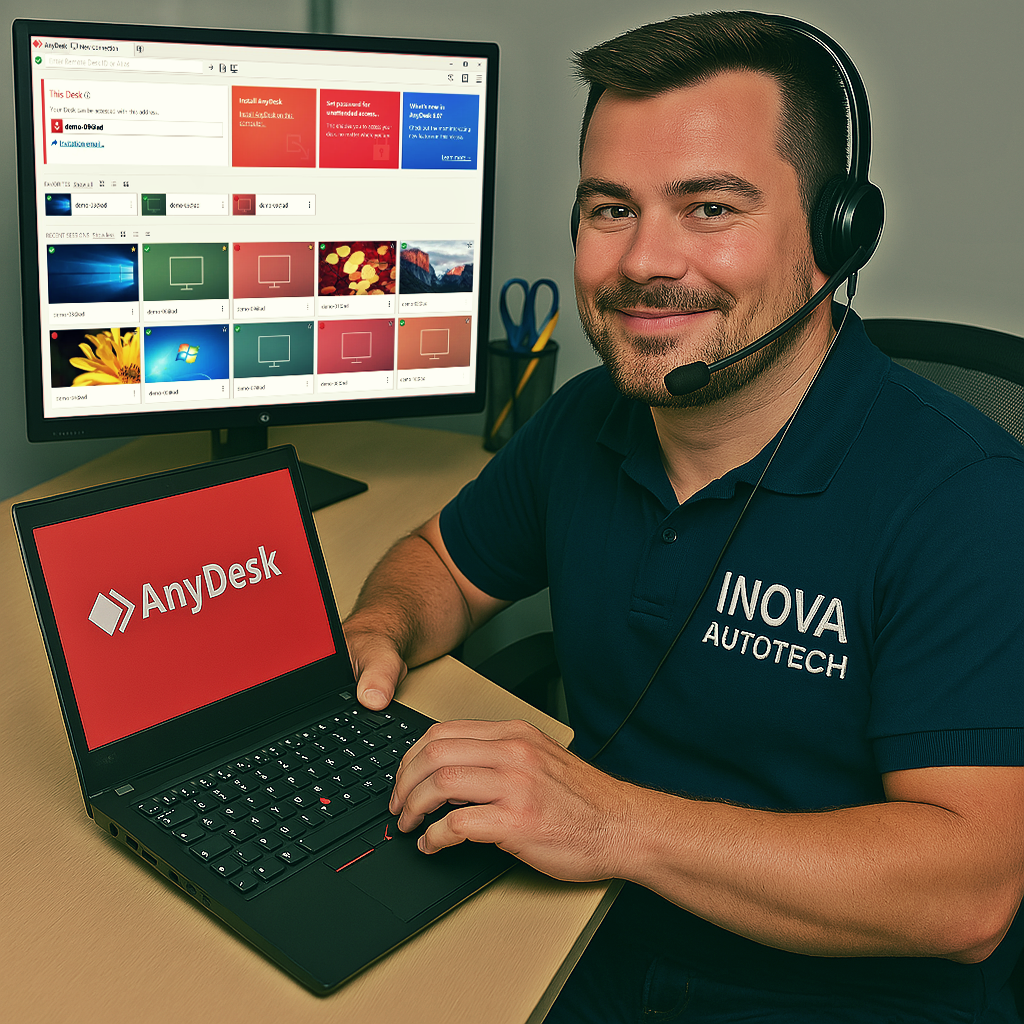
To offer our customers even more convenience and efficiency, we offer a remote access installation service for our software. This service is optional and can be selected at the time of purchase, allowing you to choose the type of support you want. With this, our specialists can configure and install the programs directly on your computer, guaranteeing convenience and security.
After purchase, contact us to schedule a remote installation session at a time that suits you.
Our technicians will provide all the necessary instructions and access your computer remotely to carry out the installation.
After installation, we will carry out a full check to ensure that the software is working correctly.





