


Scheduling
After purchase, contact us to schedule a remote installation session at a time that suits you.
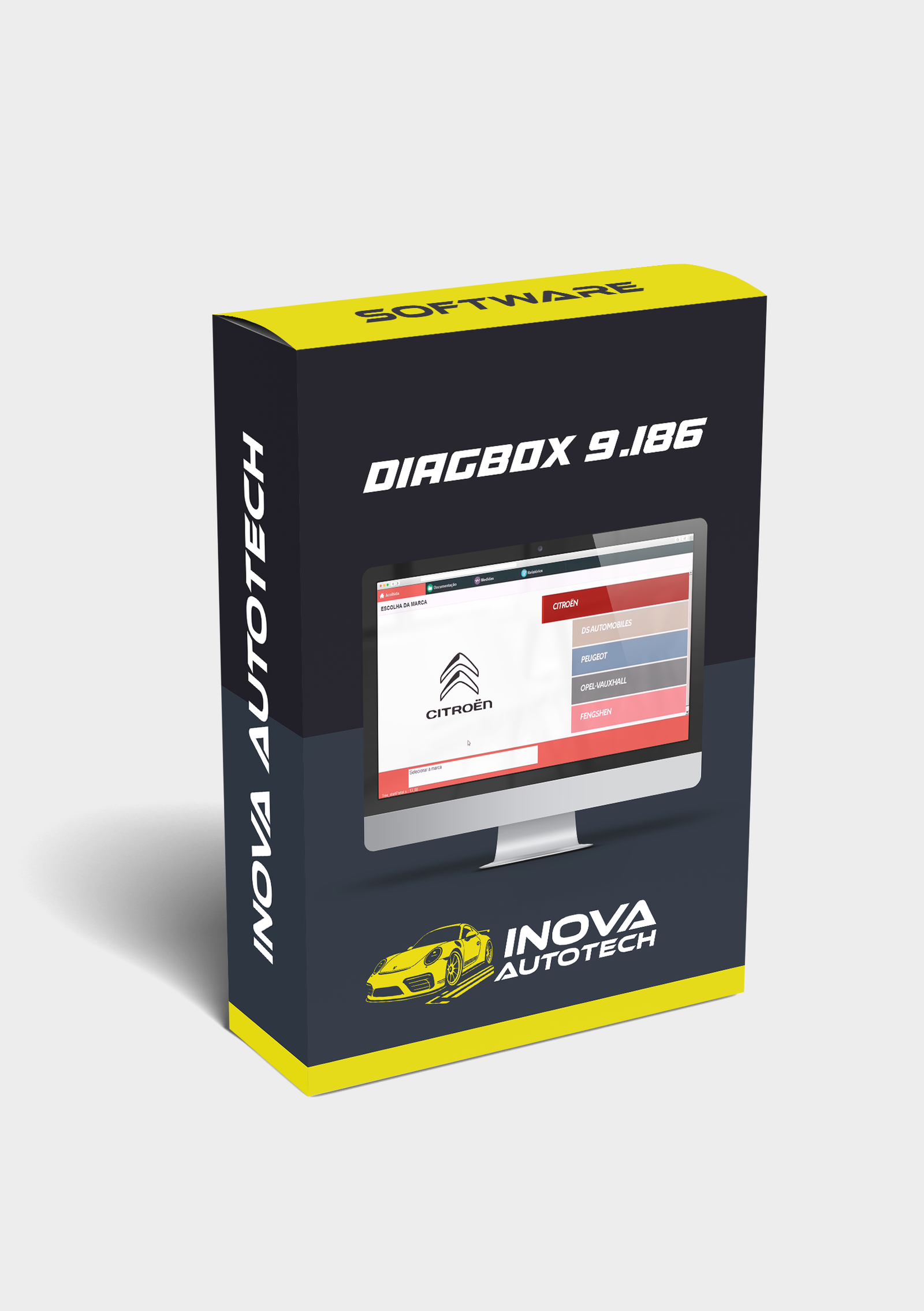
🔧 Diagnóstico Profissional PSA — DiagBox 9.186
O DiagBox 9.186 é uma versão atualizada e estável do software oficial de diagnóstico para veículos do grupo PSA (Peugeot, Citroën e DS). Voltado para oficinas especializadas e técnicos automotivos, ele permite acesso completo aos sistemas eletrônicos dos veículos, oferecendo leitura de falhas, testes de atuadores, programação de módulos e ajustes avançados.
🔍 Main features:
• Diagnóstico Multissistema:
– Leitura e exclusão de códigos de falha (DTCs)
- Real-time monitoring of sensors and actuators
– Testes de componentes como ABS, airbag, ECU, BSI, painel, etc.
• Programação e Ajustes:
– Codificação de chaves e telecomandos
– Reprogramação de módulos eletrônicos (BSI, ECU, painel)
– Reset de manutenção, regeneração de FAP/DPF, ajustes de válvula EGR
- Technical information:
– Acesso a esquemas elétricos e localização de componentes
– Guias de manutenção e procedimentos técnicos
– Histórico de falhas e relatórios de diagnóstico
- Technical compatibility:
– Suporte a veículos Peugeot, Citroën e DS fabricados entre 1990 e 2024
– Compatível com interfaces Lexia 3, PP2000 e PSA XS Evolution
- Works on Windows 7, 8, 10 and 11 (32 and 64 bits)
💡 Differentials:
• Operação 100% offline, sem necessidade de conexão com servidores PSA
• Interface multilíngue com suporte ao português
• Funções especiais não disponíveis em scanners genéricos
⚙️ Tool Type:
• Software técnico de diagnóstico e programação automotiva
• Foco em veículos do grupo PSA com sistemas eletrônicos avançados
Compatible with Windows 10 and 11
✅ Recomendado para oficinas PSA, chaveiros e técnicos automotivos
Com o DiagBox 9.186, você realiza diagnósticos completos e intervenções técnicas com precisão, garantindo eficiência na manutenção de veículos Peugeot, Citroën e DS.
To offer our customers even more convenience and efficiency, we offer a remote access installation service for our software. This service is optional and can be selected at the time of purchase, allowing you to choose the type of support you want. With this, our specialists can configure and install the programs directly on your computer, guaranteeing convenience and security.
After purchase, contact us to schedule a remote installation session at a time that suits you.
Our technicians will provide all the necessary instructions and access your computer remotely to carry out the installation.
After installation, we will carry out a full check to ensure that the software is working correctly.





