

Scheduling
After purchase, contact us to schedule a remote installation session at a time that suits you.
🔧 Fault Code Removal - XDecoder 10.5
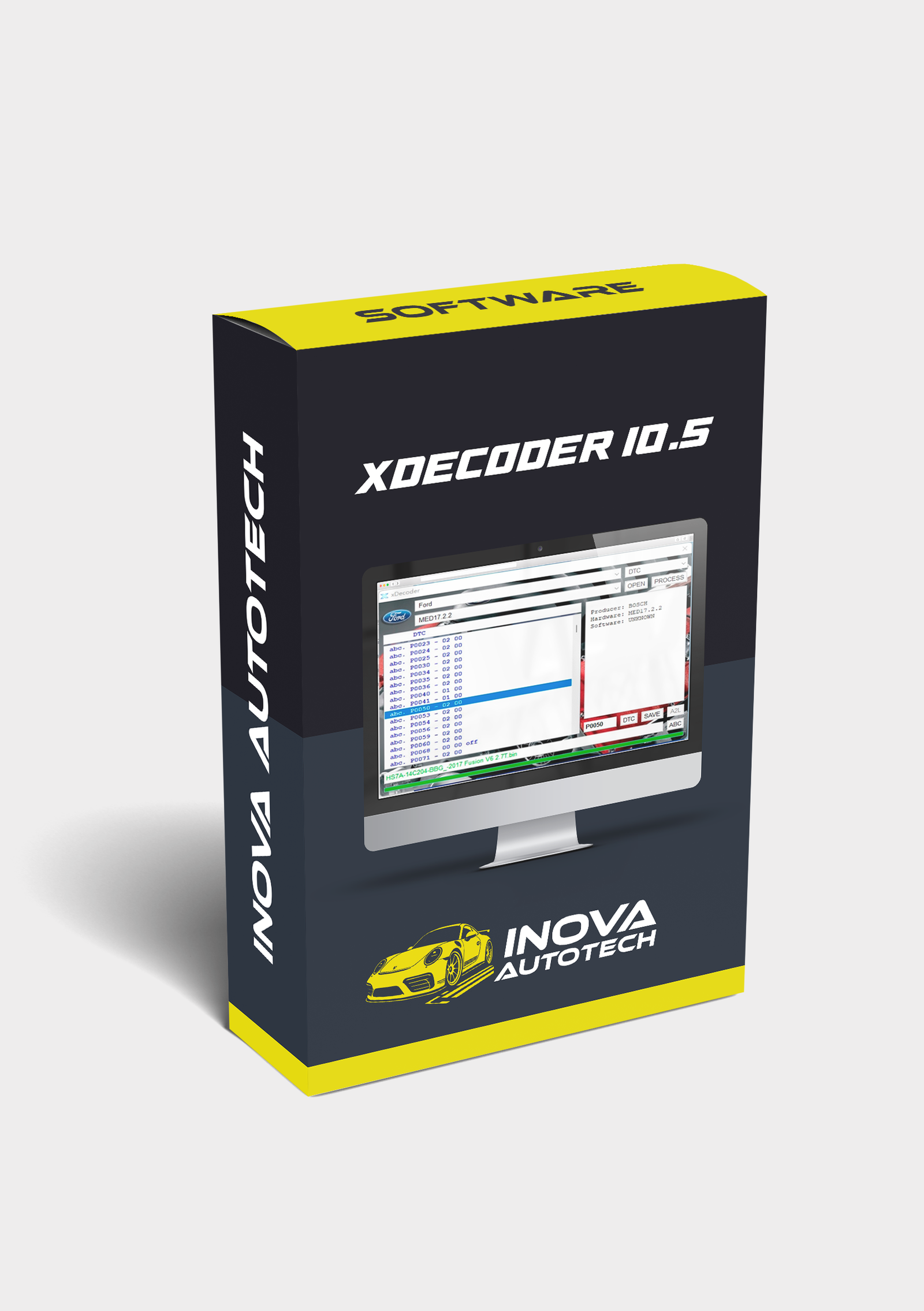
XDecoder 10.5 is a specialized tool for editing automotive ECU binary files. Its main purpose is to locate and disable fault codes (DTCs) in .bin, .hex or .ori files extracted via KESS, KTAG, PCMFlash, CMD, etc. Version 10.5 brings stability improvements, expanded support and activation via a pre-installed VMware system.
🔍 Main features:
- DTC OFF:
- Locates and removes type P, B, U and C fault codes
- Support for Bosch, Siemens, Delphi, Marelli, Continental, Denso ECUs, etc.
- Applicable to light vehicles, trucks, tractors, agricultural and industrial machinery
- File compatibility:
- Support for files extracted via KESSv2, K-TAG, MPPS, CMD, PCMFlash, etc.
- Automatic identification of DTC structure
- Offline editing with automatic checksum correction
- Interface and Activation:
- Simple and intuitive interface
- Activation via hardware ID (HWID) with unique key
- Distributed version in pre-configured VMware virtual machine
- Compatible with Windows 7, 10 and 11 (64-bit)
💡 Differentials:
- Quick editing with just a few clicks
- Ideal for technicians working with sensor deactivation and anti-pollution systems
- Frequent updates with new models and algorithms
⚙️ Tool Type:
- Technical software for editing ECU files
- Focus on deactivating DTCs and correcting faults
Compatible with Windows 10 and 11 via VMware
✅ Recommended for chip tuners, bench technicians and specialized workshops
With XDecoder 10.5, you can make safe and fast modifications to automotive ECUs, eliminating unwanted faults and optimizing vehicle operation.
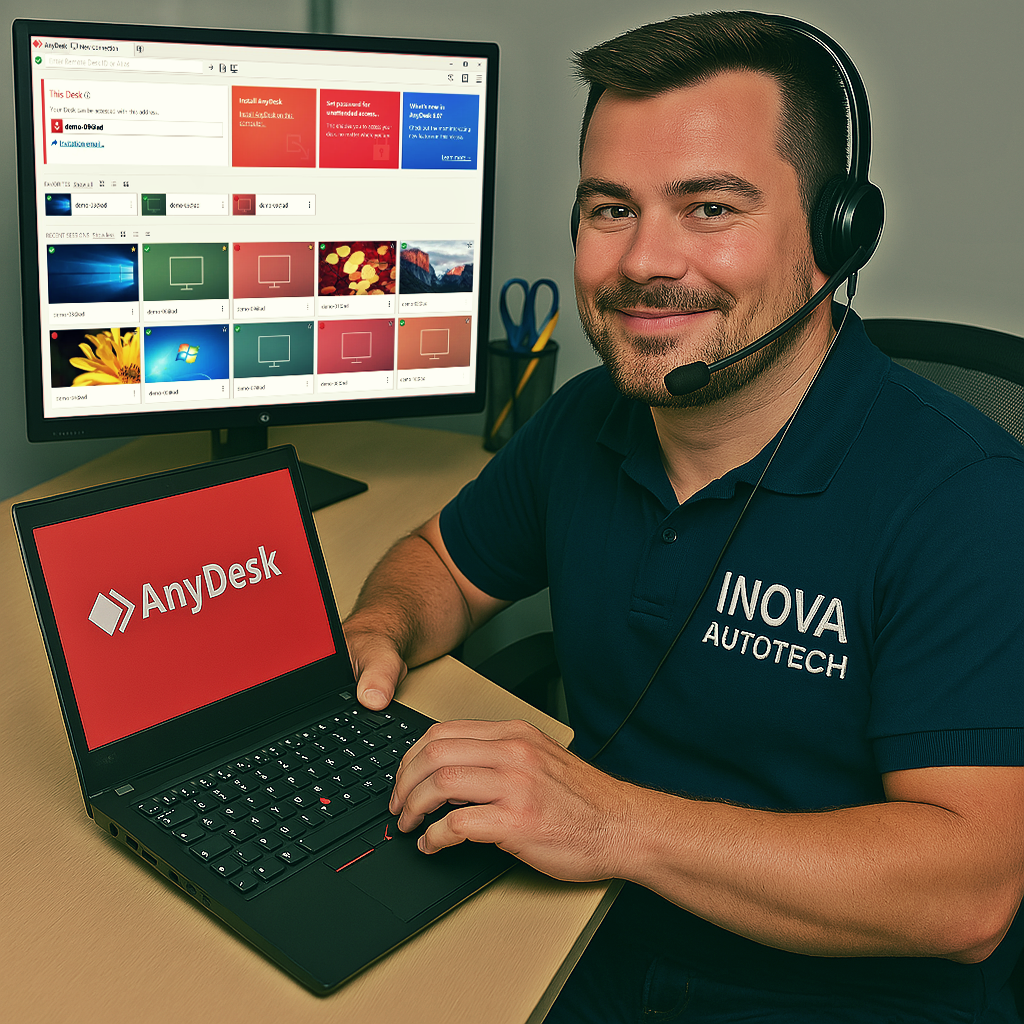
To offer our customers even more convenience and efficiency, we offer a remote access installation service for our software. This service is optional and can be selected at the time of purchase, allowing you to choose the type of support you want. With this, our specialists can configure and install the programs directly on your computer, guaranteeing convenience and security.
After purchase, contact us to schedule a remote installation session at a time that suits you.
Our technicians will provide all the necessary instructions and access your computer remotely to carry out the installation.
After installation, we will carry out a full check to ensure that the software is working correctly.





