

Scheduling
After purchase, contact us to schedule a remote installation session at a time that suits you.
🔧 KTAG Interface Repair HW 6.070 + SW 2.13
KTAG HW 6.070 is a bench ECU reprogramming interface, widely used with K-Suite 2.13 software. In some cases, the interface may present faults such as:
- Lock after incorrect update
- ECU communication error
- Failed to open K-Suite (black screen or crash)
- Message “No valid hardware found” or “Interface not connected”
The repair consists of:
Firmware rewriting via J-Link or ST-Link
Replacing corrupted K-Suite 2.13 files
Installation of correct USB drivers (no conflict with antivirus)
Patch application for offline activation
Test communication with Bosch ECU via BDM MPC5xx
📦 Technical Items Involved:
- Files: `Update Firmware`, `J-Link Dump`, `K-Suite Patch`, `USB Drivers`, `BDM Test File`
- Tools: J-Link V9, ST-Link V2, USB EEPROM Programmer (optional)
- System: Windows 7 or 10 (32-bit recommended)
💡 Important Tips:
- Never connect KTAG to the internet after repair
- Disable antivirus when installing K-Suite
- Use a stable 12V bench power supply for testing
- Avoid using SD cards from other KTAGs (risk of being blocked)
⚙️ Type of Repair:
- Electronics and software technician
- Focus on interface restoration and ECU communication
Compatible with Windows 7, 10 (32-bit)
✅ Recommended for bench technicians and automotive refinishers
With the repair of the KTAG HW 6.070 + SW 2.13, its interface is once again stable, allowing safe reading and writing of ECUs via the bench.
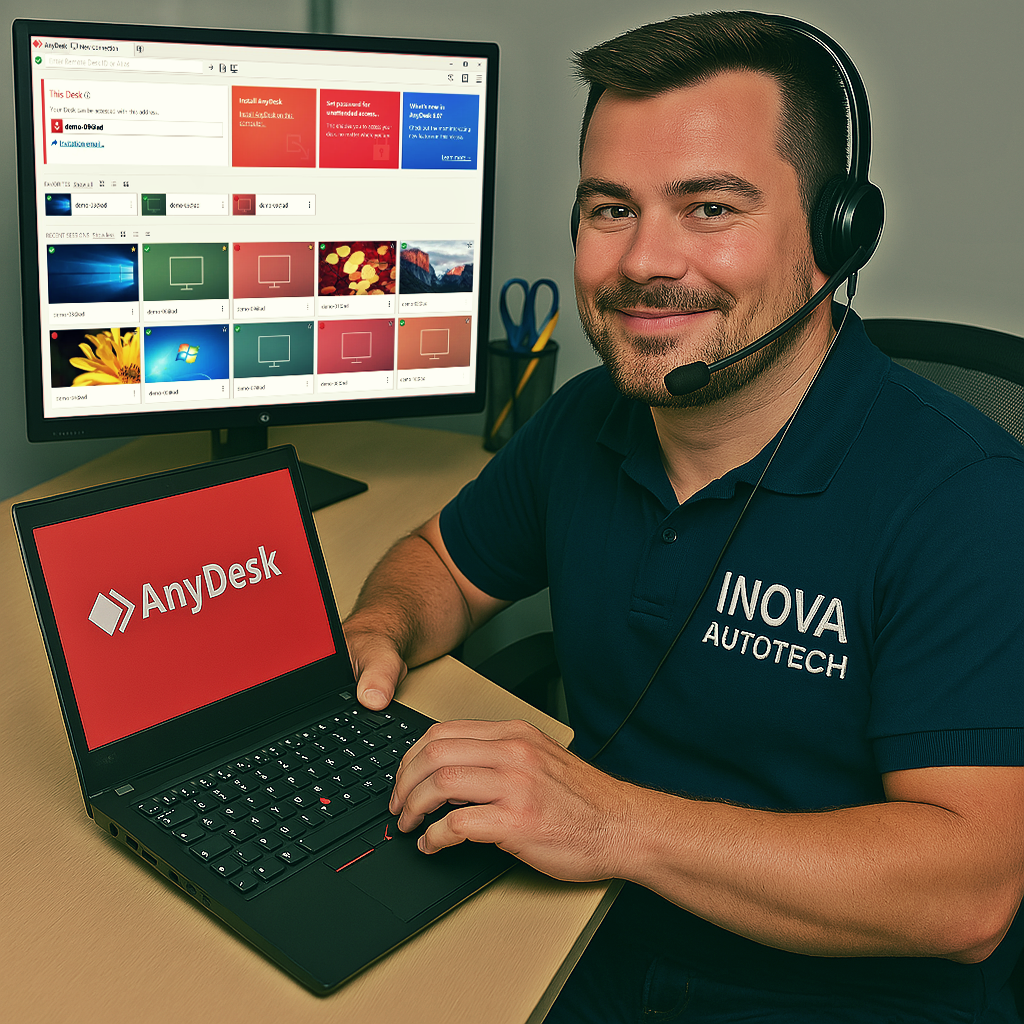
To offer our customers even more convenience and efficiency, we offer a remote access installation service for our software. This service is optional and can be selected at the time of purchase, allowing you to choose the type of support you want. With this, our specialists can configure and install the programs directly on your computer, guaranteeing convenience and security.
After purchase, contact us to schedule a remote installation session at a time that suits you.
Our technicians will provide all the necessary instructions and access your computer remotely to carry out the installation.
After installation, we will carry out a full check to ensure that the software is working correctly.





