
Compare Files 1.20
$ 13.98
Software

Compare Files 1.20

5 / 5.0

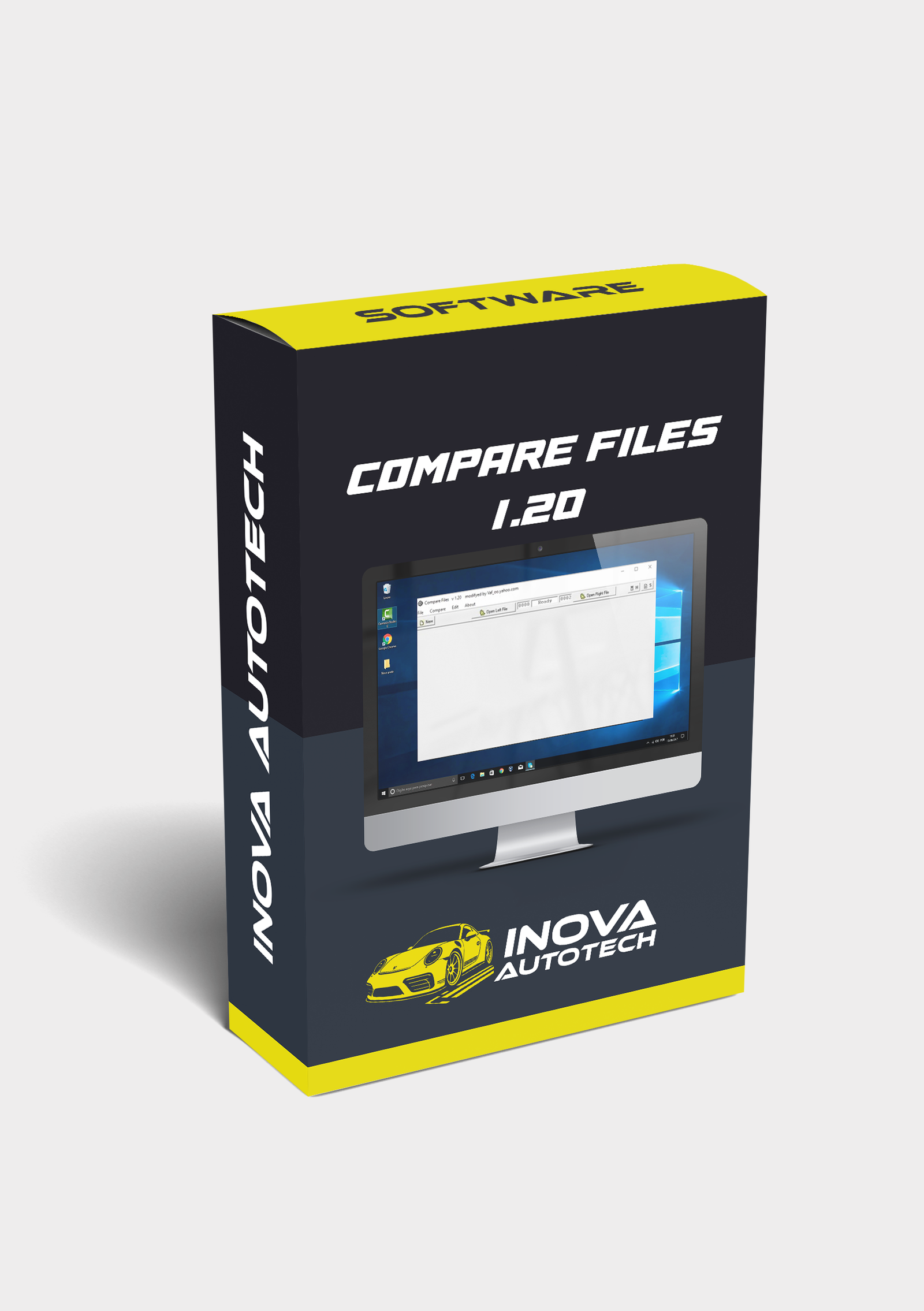
COMPARE FILES 1.20: Technical comparison of binary files — ideal for validating modifications in ECU, IMMO, AIRBAG, and dashboard dumps. Practical tool for byte-by-byte analysis.

From: $ 17.98
Remote installation via AnyDesk included! This product includes remote installation at no extra cost!

Technical Specifications

Item type Software
Version 1.20
Format ZIP
Size 27 MB
Language English

About item

🔧 Technical Comparison of Binary Files - Compare Files 1.20

If you work with editing and analyzing automotive files, Compare Files 1.20 is a practical and efficient tool for identifying differences between binary files. Ideal for technicians who work with memory dumps, ECUs and electronic modules, this software allows you to compare modified and original versions with precision.

🔍 Main features:

- File comparison:
- Identification of byte-by-byte changes between two files
- Visual highlighting of differences in critical memory areas
- Support for .bin, .hex and other technical formats

- Technical applications:
- Checking modifications to ECU, IMMO, AIRBAG and dashboard dumps
- Analysis of corrections, DTC removals and synchronization adjustments
- Compatible with files extracted by KESS, KTAG, MPPS, Galletto and the like

- Technical support:
- Simple and straightforward interface with quick navigation
- Ideal for electronics laboratories and automotive programmers
- Compatible with Windows XP, 7, 8, 10 and 11

💡 Differentials:

- Lightweight, portable tool with a technical focus
- Speed up validation of changes to automotive files
- Avoids errors in reprogramming and memory recording

⚙️ Tool Type:

- Technical software for comparing binary files
- Focus on analyzing dumps and modifications to ECUs

Compatible with Windows 10 and 11
Recommended for automotive technicians, programmers and electronic repair laboratories

With Compare Files 1.20, you can guarantee accurate analysis of modified files, validating changes safely and efficiently.

Video of Demonstration

Support installation

We offer for this item

Installation support via remote access

To offer our customers even more convenience and efficiency, we offer a remote access installation service for our software. This service is optional and can be selected at the time of purchase, allowing you to choose the type of support you want. With this, our specialists can configure and install the programs directly on your computer, guaranteeing convenience and security.

  • Scheduling

    After purchase, contact us to schedule a remote installation session at a time that suits you.

  • Installation

    Our technicians will provide all the necessary instructions and access your computer remotely to carry out the installation.

  • Finalization

    After installation, we will carry out a full check to ensure that the software is working correctly.


Need something specific?

Haven't found the software or solution you're looking for? We offer customized solutions for your needs. Request a quote!



