
Scheduling
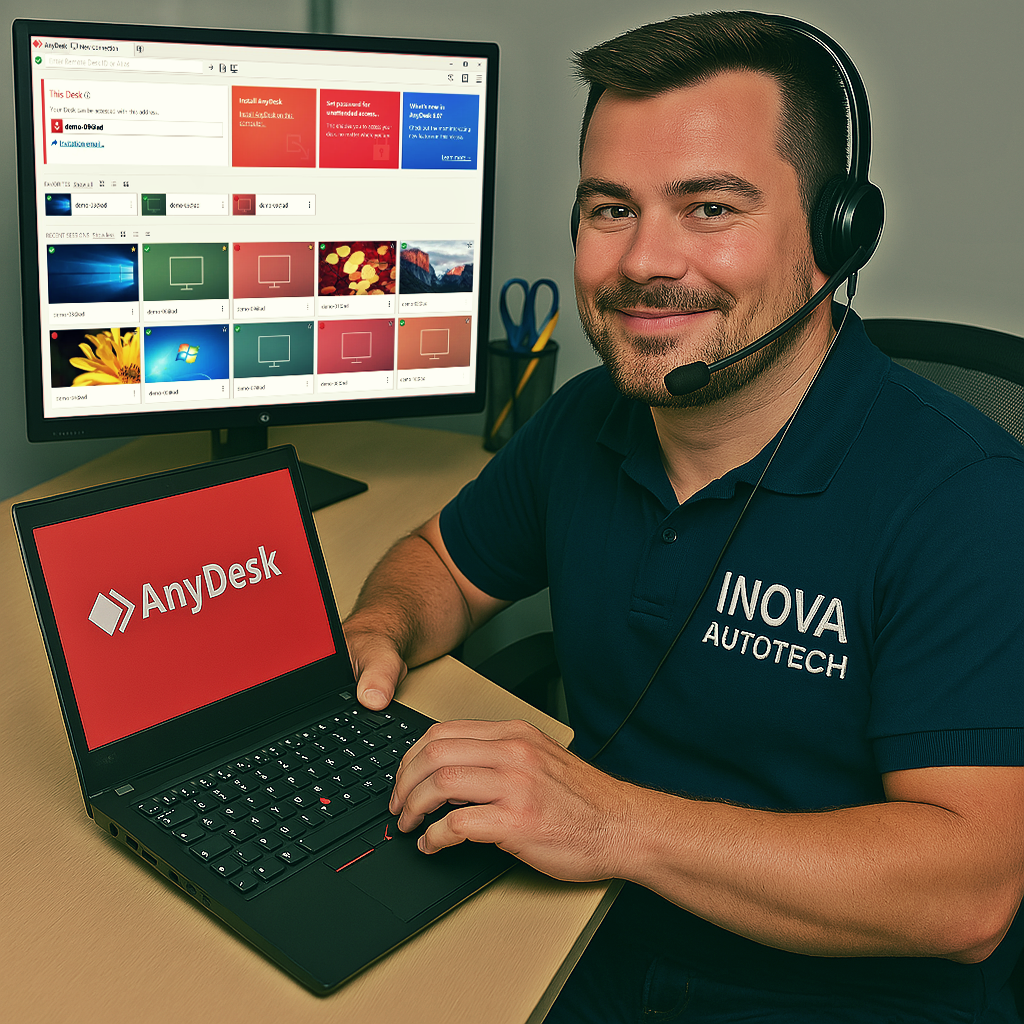
After purchase, contact us to schedule a remote installation session at a time that suits you.
🔧 Multi-brand OBD2 diagnostics - MoDiag Professional 2.8.500
MoDiag Professional 2.8.500 is a stable and advanced version of automotive diagnostic software via OBD2, compatible with a wide range of European, Asian and American vehicles. It enables fault code reading, real-time data visualization, sensor testing and emissions monitoring, with an intuitive interface and multiple language support.
🔍 Main features:
- OBD2 diagnostics:
- Reading and erasing DTCs (fault codes)
- Visualization of sensor data in real time
- Component testing and readiness monitoring (emissions)
- Advanced Features:
- Support for OBD2 protocols: ISO9141, KWP2000, CAN, J1850
- Sensor table with configurable alerts per limit
- Log export and diagnostic reports
- Technical compatibility:
- Works with ELM327, Scandevil, VAG KKL and other USB/serial interfaces
- Compatible with Windows XP, 7, 8, 10 and 11
- Multilingual interface with support for Portuguese, English, German, Russian, Turkish and more
💡 Differentials:
- Professional version with extended features and technical support
- Frequent updates with fixes and new features
- Ideal for independent workshops, technicians and automotive enthusiasts
⚙️ Tool Type:
- Technical automotive diagnostic software via OBD2
- Focus on fault reading, sensors and emissions testing
Compatible with Windows 10 and 11
Recommended for automotive technicians, mechanics and advanced users
With MoDiag Professional 2.8.500, you can perform accurate and reliable diagnostics on multi-brand vehicles, optimizing repair times and ensuring efficient maintenance operations.
To offer our customers even more convenience and efficiency, we offer a remote access installation service for our software. This service is optional and can be selected at the time of purchase, allowing you to choose the type of support you want. With this, our specialists can configure and install the programs directly on your computer, guaranteeing convenience and security.
After purchase, contact us to schedule a remote installation session at a time that suits you.
Our technicians will provide all the necessary instructions and access your computer remotely to carry out the installation.
After installation, we will carry out a full check to ensure that the software is working correctly.





