
Scheduling
After purchase, contact us to schedule a remote installation session at a time that suits you.

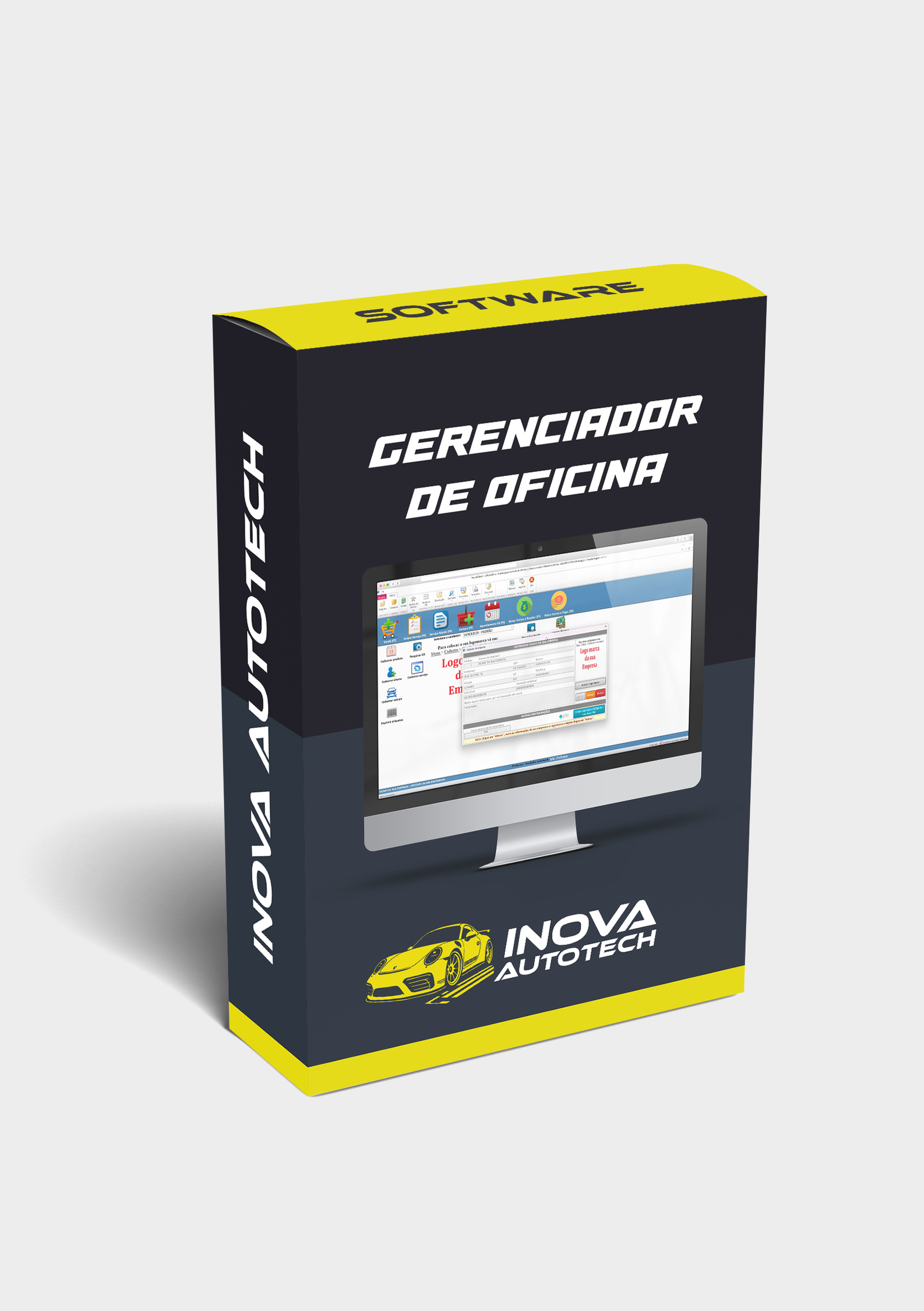
Workshop Manager is a complete and intuitive solution for managing mechanical workshops. It is designed to improve operational efficiency, providing a more organized and effective management experience for workshops of all sizes.
Workshop Manager is a complete and essential solution for automotive professionals, offering a wide range of features that optimize and facilitate workshop management. It is divided into four main parts: Registration, Queries, Finance and Reports.
Registration part:
The Workshop Manager allows detailed registration of essential information for workshop operation, providing control and organization:
- Company Registration: Register your company information for centralized administration.
- User registration: Manage system users, assigning roles and permissions as required.
- Customer records: Keep an up-to-date customer database, with service histories and contact information.
- Supplier Register: Store supplier details to make it easier to manage purchases and negotiations.
- Vehicle Register: Register the vehicles serviced by the workshop, including make, model, year and service history.
- Register salespeople/mechanics: Organize the workshop team by registering salespeople and mechanics with their specialties.
- Product Register: Keep an accurate inventory of products used and sold by the workshop.
- Registration of Services: Define the services offered by the workshop, with description and prices.
- Checklist registration: Create customized checklists for inspections and services.
- Sales Register: Record and manage all sales made.
- Purchasing register: Control purchases of workshop materials and supplies.
- Expenses Register: Record operating expenses for a complete financial overview.
- Work Order Registration: Manage and monitor work orders, detailing the services provided and products used.
- Registration of Payment Methods: Define and manage the payment methods accepted.
- Cost Center Registration: Organize finances with specific cost centers for different areas of the workshop.
Queries part:
Make workshop management easier with consultation functionalities that guarantee quick access to vital information:
- Overhaul Control Query: Monitor and control the overhaul services carried out.
- OS Scheduling Query: Manage and view work order schedules.
- Product Inquiry: Access detailed information on registered products.
- Purchase Inquiry: Check the history and status of purchases made.
- Sales Inquiry: Consult the records of sales made.
- Work Order Inquiry: Monitor the status and details of work orders in progress.
- Birthdays: Keep up to date with your customers' and employees' birthdays.
Financial part:
Manage workshop finances with precision through robust functionalities:
- Opening and Closing Cash: Control cash flow with opening and closing records.
- Accounts Payable and Expenses: Manage the workshop's accounts payable and expenses.
- Write-off of Accounts Receivable: Control receipts by recording write-offs of accounts receivable.
- Accounts payable write-off: Manage payments by recording accounts payable write-offs.
Reports section:
Get detailed insights into workshop performance with comprehensive reports:
- Sales Reports: Detailed analysis of sales made.
- Work Order Reports: Track the performance of work orders.
- Purchasing Reports: View data on purchases made by the workshop.
- Commission reports: Manage the commissions of salespeople and mechanics.
- Financial reports: Get a complete overview of the workshop's finances.
- Product Stock Reports: Control stock with precise reports.
This is Workshop Manager, a tool that brings together all the functionalities needed for efficient and effective management of your automotive workshop. With it, you'll have total control over processes and be able to focus on what really matters: offering a quality service to your customers.
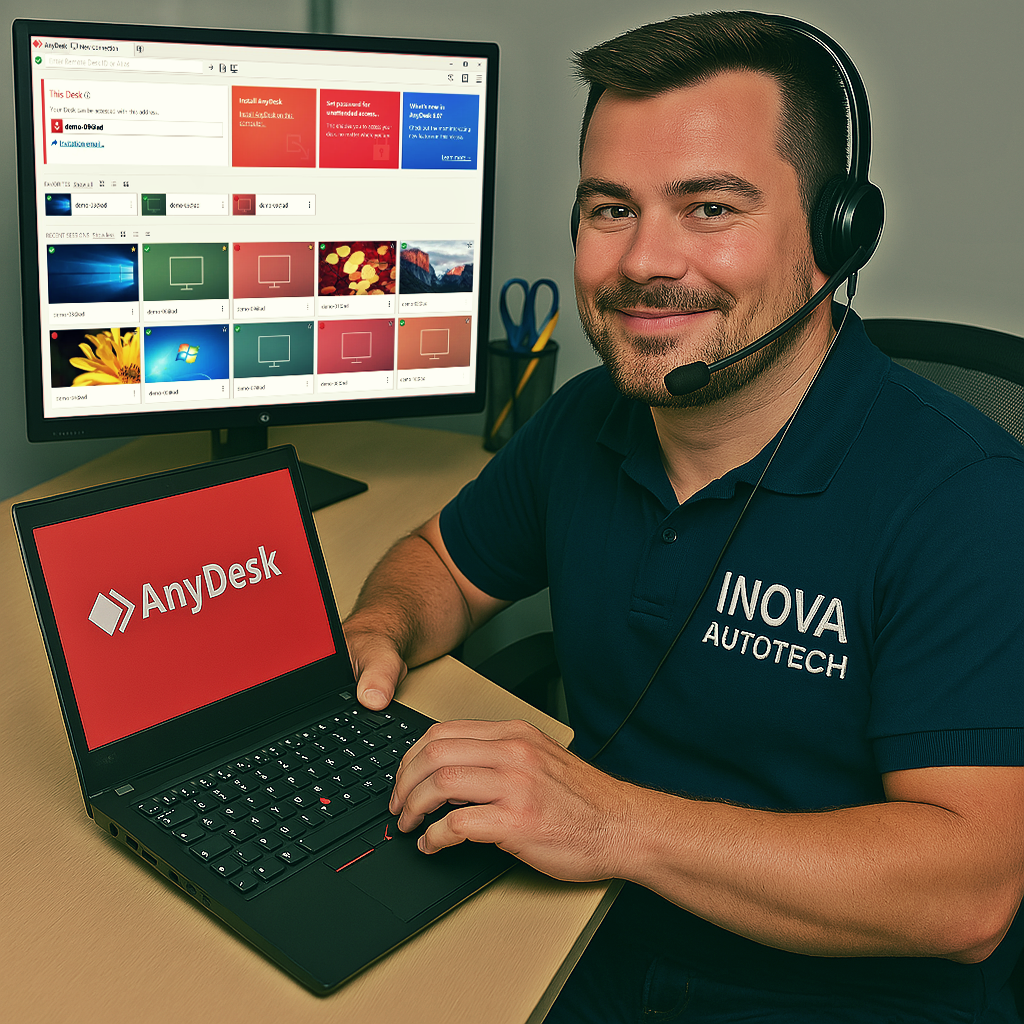
To offer our customers even more convenience and efficiency, we offer a remote access installation service for our software. This service is optional and can be selected at the time of purchase, allowing you to choose the type of support you want. With this, our specialists can configure and install the programs directly on your computer, guaranteeing convenience and security.
After purchase, contact us to schedule a remote installation session at a time that suits you.
Our technicians will provide all the necessary instructions and access your computer remotely to carry out the installation.
After installation, we will carry out a full check to ensure that the software is working correctly.

Haven't found the software or solution you're looking for? We offer customized solutions for your needs. Request a quote!




