
DTC Remove 1.02
R$ 159,90
Software

DTC Remover 1.02

5 / 5.0

DTC REMOVER 1.02: Safe removal of fault codes in ECUs — ideal for Siemens SID803/SID803A and Bosch EDC15C7 files. A practical tool for automotive technicians and programmers.

From: R$ 209,90
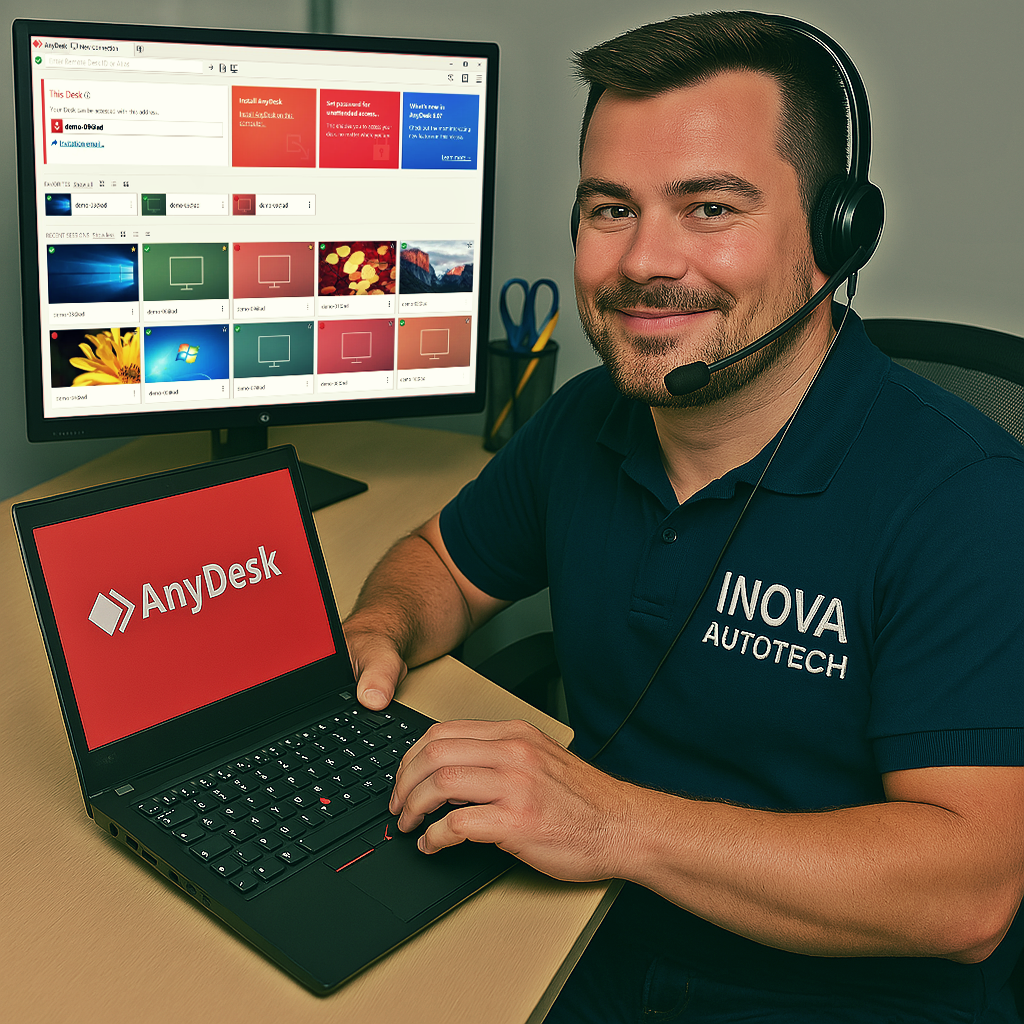
Remote installation via AnyDesk included! This product includes remote installation at no extra cost!

Technical Specifications

Item type Software
Version 1.02
Format ZIP
Size 54 MB
Language English

About item

🔧 Removing fault codes from ECUs - DTC Remover 1.02

DTC Remover 1.02 is a technical tool designed to remove fault codes (DTCs) from automotive ECU binary files. Ideal for technicians and programmers working with module reprogramming and repair, this version supports several ECU families, including Siemens SID803/SID803A and Bosch EDC15C7.

🔍 Main features:

- Removal of DTCs:
- Automatic identification of fault codes in .bin files
- Secure deletion of DTCs without compromising module operation
- Support for ECUs from brands such as Ford, Volvo, Peugeot, Citroën, Fiat, Alfa Romeo and Chrysler

- Technical compatibility:
- Support for Siemens SID803, SID803A, SID804 and Bosch EDC15C7 ECUs
- Compatible with files extracted by KESS, KTAG, MPPS, Galletto and the like
- Ideal for light and commercial vehicles

- Technical support:
- Simple, straightforward interface with correction in just a few clicks
- Frequent updates with new models and algorithms
- Compatible with Windows XP, 7, 8, 10 and 11

💡 Differentials:

- Lightweight and portable tool for professional use
- Prevents malfunctions after file modifications
- Ideal for electronics laboratories and reprogramming technicians

⚙️ Tool Type:

- Technical software for removing fault codes from ECUs
- Focus on automotive electronic module binary files

Compatible with Windows 10 and 11
Recommended for automotive technicians, programmers and electronic repair laboratories

With DTC Remover 1.02, you can clean fault codes safely and efficiently, guaranteeing files ready for reprogramming and reliable use.

Video of Demonstration

Support installation

We offer for this item

Installation support via remote access

To offer our customers even more convenience and efficiency, we offer a remote access installation service for our software. This service is optional and can be selected at the time of purchase, allowing you to choose the type of support you want. With this, our specialists can configure and install the programs directly on your computer, guaranteeing convenience and security.

  • Scheduling

    After purchase, contact us to schedule a remote installation session at a time that suits you.

  • Installation

    Our technicians will provide all the necessary instructions and access your computer remotely to carry out the installation.

  • Finalization

    After installation, we will carry out a full check to ensure that the software is working correctly.


Need something specific?

Haven't found the software or solution you're looking for? We offer customized solutions for your needs. Request a quote!



