
Scheduling
After purchase, contact us to schedule a remote installation session at a time that suits you.

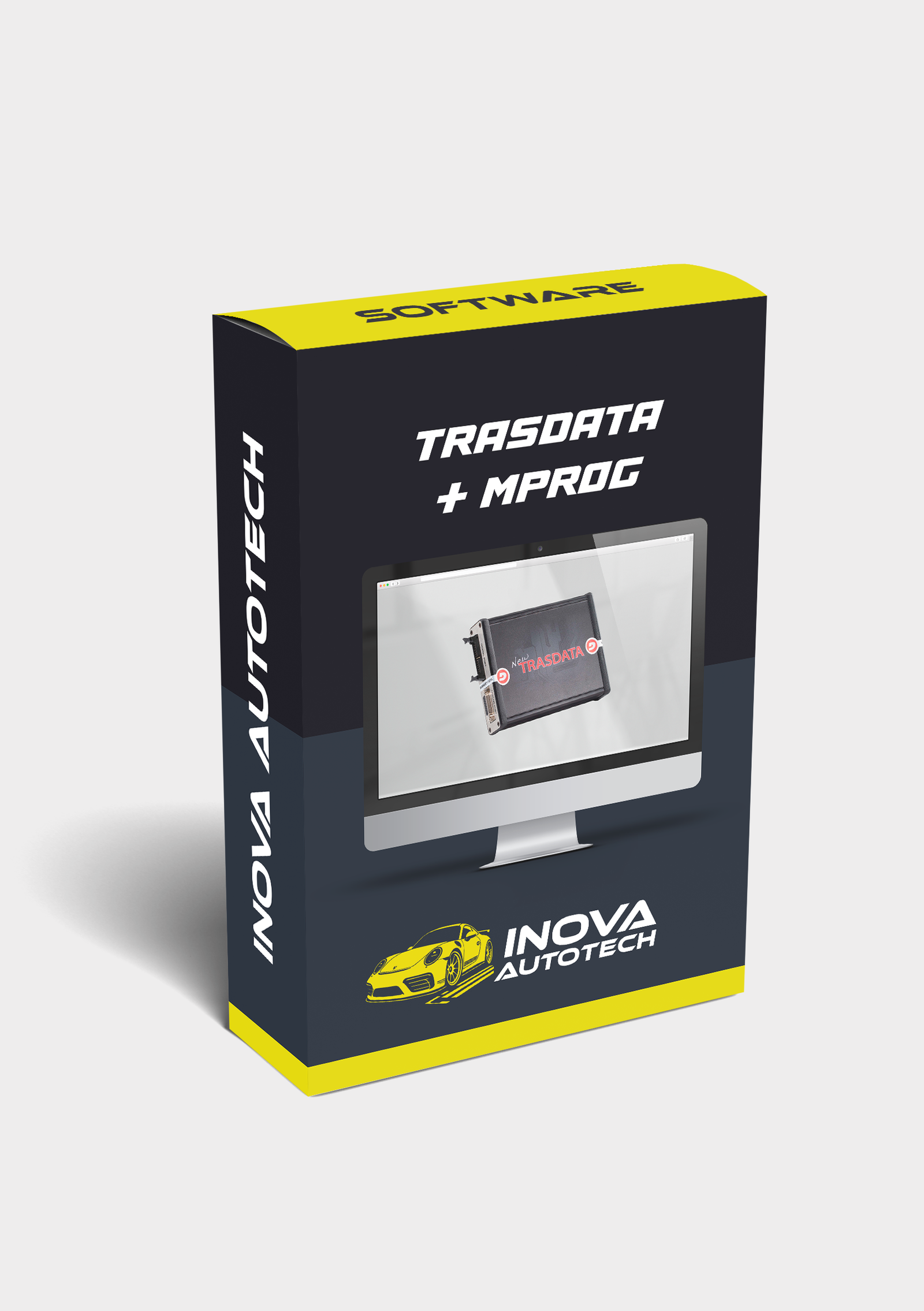
TRASDATA + MPROG: Technical combo for reprogramming ECUs via bootmode and configuring FTDI USB interfaces - compatible with Windows 10/11.
🧠 Advanced ECU and Interface Programming - Trasdata + Mprog
Trasdata + Mprog is a technical combo used by automotive electronics professionals to read, write and configure ECUs and USB interfaces. Trasdata is used to reprogram electronic control units via bootmode, while Mprog is used to configure and customize FTDI chips used in diagnostic and serial communication interfaces.
🔍 Main features:
- Trasdata:
- Reading and writing ECUs via bootmode (without dismantling components)
- Support for Bosch, Marelli, Siemens, Delphi and Continental ECUs, among others
- Automatic protocol and microcontroller identification
- Full Flash and EEPROM backup
- Mprog:
- Configuration of FTDI chips (FT232R, FT245R, FT2232, etc.)
- Customization of VID, PID, serial number and device description
- Repair corrupted interfaces or interfaces not recognized by the system
- Compatible with VAG-COM, KKL, OBD, J2534 and other cables
- Technical compatibility:
- Works with Windows XP, 7, 8, 10 and 11
- Support for .bin, .hex and .s19 binary files
- Compatible interfaces: KTAG, KESS, Galletto, MPPS, FGTech, etc.
💡 Differentials:
- Complementary tools for reprogramming and repairing interfaces
- Ideal for ECU labs, locksmiths and serial communication technicians
- Offline operation with internal database and support for thousands of devices
⚙️ Tool Type:
- Technical software for reprogramming ECUs and configuring USB interfaces
- Focus on multi-brand vehicles and FTDI devices
Compatible with Windows 10 and 11
Recommended for automotive technicians, embedded developers and serial communication specialists
With Trasdata + Mprog, you can perform critical read, write and repair operations with professional precision, covering everything from ECUs to diagnostic interfaces.
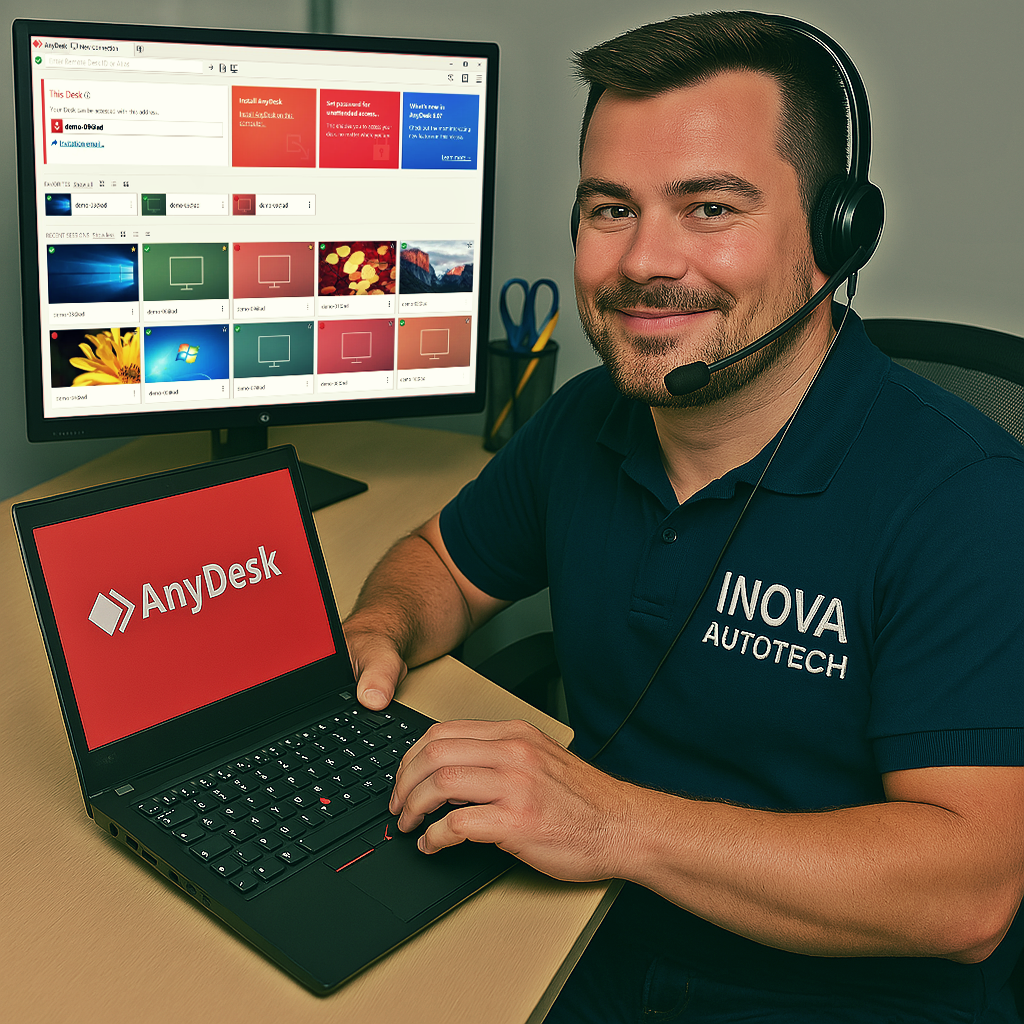
To offer our customers even more convenience and efficiency, we offer a remote access installation service for our software. This service is optional and can be selected at the time of purchase, allowing you to choose the type of support you want. With this, our specialists can configure and install the programs directly on your computer, guaranteeing convenience and security.
After purchase, contact us to schedule a remote installation session at a time that suits you.
Our technicians will provide all the necessary instructions and access your computer remotely to carry out the installation.
After installation, we will carry out a full check to ensure that the software is working correctly.

Haven't found the software or solution you're looking for? We offer customized solutions for your needs. Request a quote!




